Súbelo
Prepare a week of video posts with Súbelo
Organise finished videos by day, review captions and confirm your schedule.
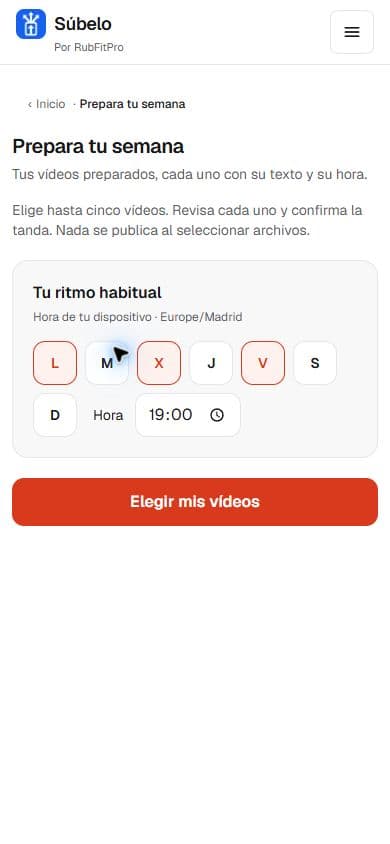
Start with a batch of up to five videos
Start with your edited videos. Súbelo supports batches of up to five, helping you prepare several posts without restarting the whole process.
Name and review each file
Use recognisable file names and keep each client's content separate. Upload the batch and check which files have finished saving. Review each video's accounts, caption, available cover options and date.
Reuse settings and check comments
Reuse saved settings for repeated choices, then review the result. The notebook stores regular comments; pinning is manual on each network, and automatic comment posting depends on the available permissions.
Review the whole week
Review your Monday-to-Sunday calendar for gaps and overlaps. If you move a post, check the resulting date and affected destinations again.
Confirm before closing the app
Selecting files does not complete scheduling. Once the videos are saved and their schedules confirmed, publishing continues on the server.
Frequently asked questions
Does a draft publish automatically?
No. It saves your preparation. Open it again, check the accounts and confirm publishing or scheduling.
What should I check after moving a calendar post?
Check the weekday, date, time and affected accounts. If networks had different schedules, review every destination before considering the change complete.